The Secure Shell (SSH) Chrome Extension developed by Google
- 时间:2020-09-30 16:23:25
- 分类:网络文摘
- 阅读:180 次
Speaking about SSH tools, we often use the PuTTY or Termius, which are heavy weight desktop applications (users are required to download and install, and maybe upgrade manually).
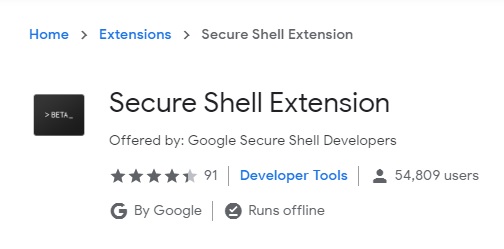
The good news is that, you can launch the SSH connections using the Secure Shell chrome extension developed by Google.
Install the Secure Shell Extension to Your Chrome Browser: https://chrome.google.com/webstore/detail/secure-shell-extension/iodihamcpbpeioajjeobimgagajmlibd
secure-shell-extension
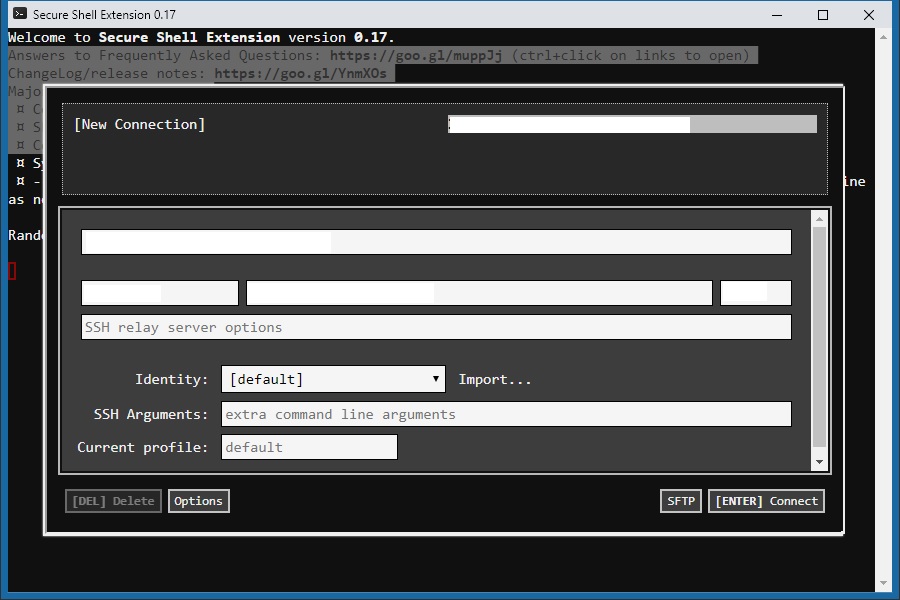
Click the extension icon, and the “Connection Dialog” will give you a nice wizard the first time.
secure-shell-extension-window
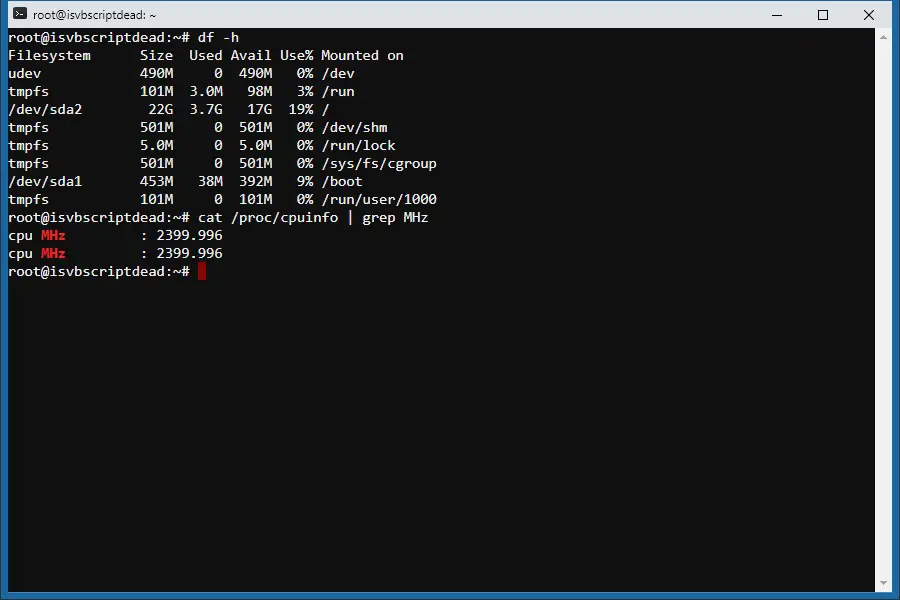
Fill in the SSH connection detail and the extension will remember the connection details – so that you can click to launch next time directly. The SSH is launched in a separate window – and it looks like a native OS application (which is a HTML window)
secure-shell-extension-window-connection
It is secure – and Google has maintained/tested it for many years. The password is not saved and should be typed in every time (didn’t see it supports importing Keys to login). The extension provides many options which can be imported and exported. It also supports SFTP (Secure FTP).
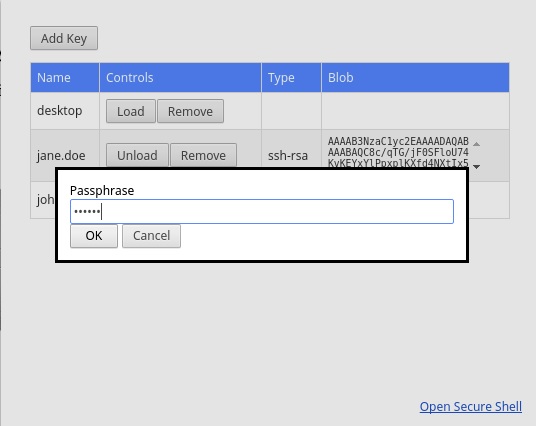
To allow using keys to login, you would need another Chrome Extension (also developed by Google): SSH Agent for Google ChromeTM
https://chrome.google.com/webstore/detail/ssh-agent-for-google-chro/eechpbnaifiimgajnomdipfaamobdfha
Add/Import/Manage the Keys via the SSH Key Agent Chrome Extension.
ssh-key-agent
Then you can paste the keys in the Secure Shell Chrome Extension. So you don’t need to enter username/password every time when you want to SSH to your host.
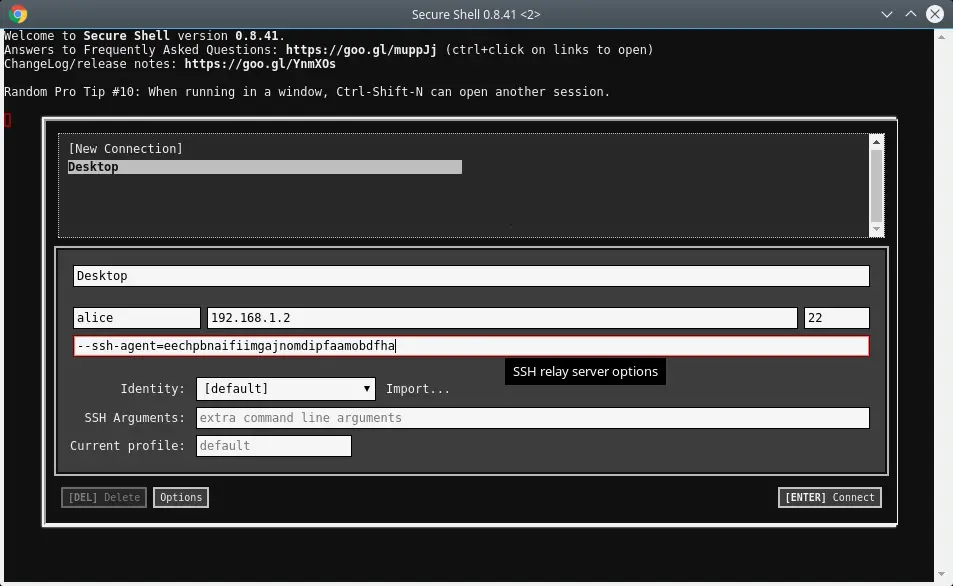
secure-shell-using-keys-to-login
It is platform independent – which is a handy tool that you can run whenever you have a Chrome browser. It is there when you need it fast.
–EOF (The Ultimate Computing & Technology Blog) —
推荐阅读:食品安全监管常态化胜过千句狠话 夏季凉拌西红柿时用蜂蜜更滋补 对大豆制品存在的一些认识误区 食品安全:广州镉超标大米事件追踪 味精的食用安全性及合适用量问题 食品安全问题并不是食品添加剂的错 温州苍南黑作坊两年产千吨剧毒湿米面 食药监总局提醒注意保健食品五大陷阱 对儿童健康成长有益的六大食物 健康养生:七种常见的黑色滋补食物
- 评论列表
-
- 添加评论