Does WIFI Extender Boost Wireless Signal? How to Fix Slow WIFI?
- 时间:2020-09-09 14:04:20
- 分类:网络文摘
- 阅读:125 次
In my house, the wireless router is located downstairs, and the PC (HP Z800 is located in my office upstairs. Before I changed to Powerline, the WIFI signal was really weak – It can barely connect to internet (drops often).
A WiFi Extender (or Booster) can be easily plugged in on the wall power socket. It doesn’t need wired cable. However, as it starts to receive wireless signal, it provides a ethernet socket (RJ45) which you can connect to your destination/receiver using cable.
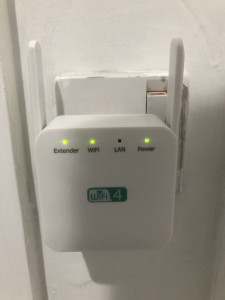
wif-extender-booster
Then, we need to set up the WiFi Extender using a browser (either on PC or mobile phone). Login to the IP address of the WIFI Extender. First step is to do the wireless scanning of nearby wireless networks.
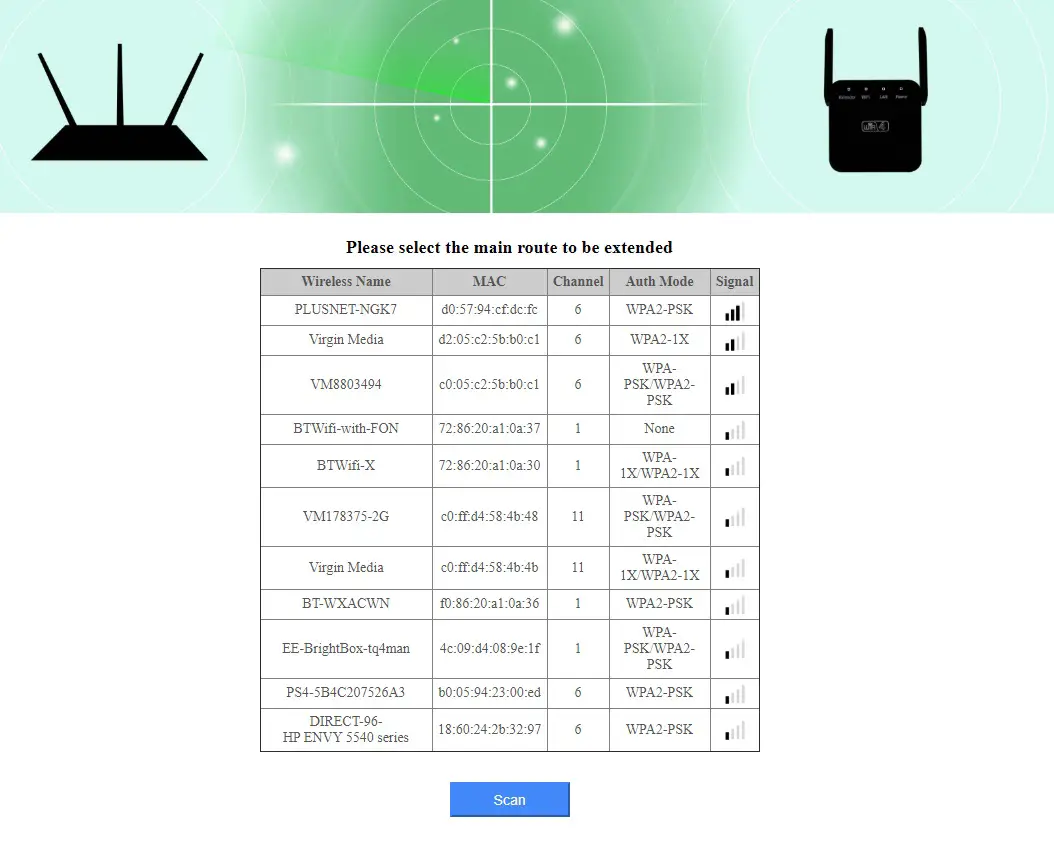
Scan Wireless Networks Nearby using Wifi extender
Then, the WIFI extender needs to connect to target WIFI network, receiving the signal, boost it, and forward it (also knwon as WIFI Repeater)
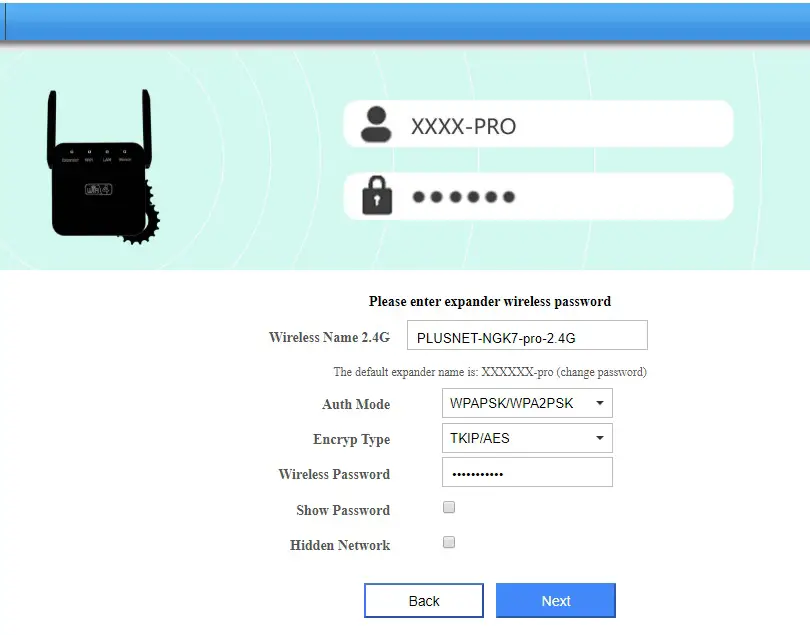
Select the Target WIFI to boost
Verify the connection details and then the WIFI Extender will start working.
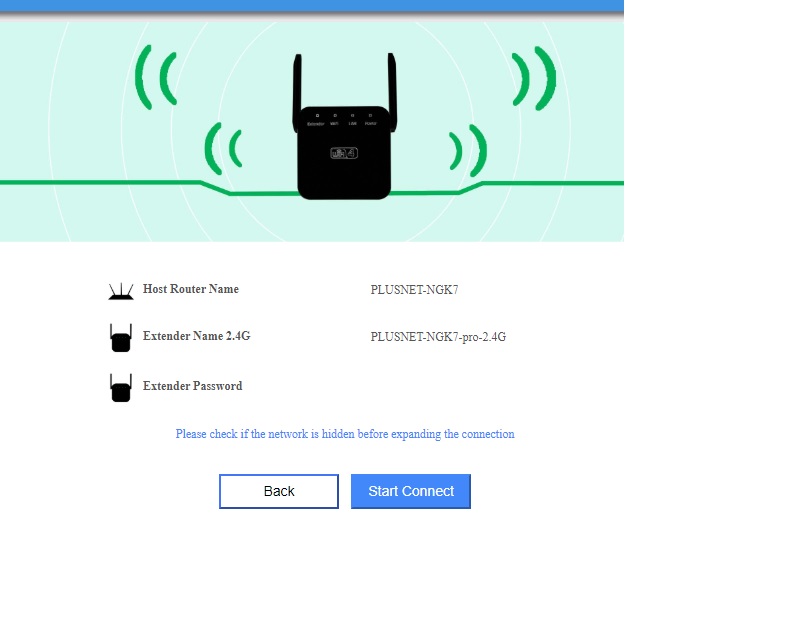
Setup WIFI Extender
Wifi extender works best when you put it in the middle between the wireless router and your PC. The WIFI signal will be boosted and enhanced. Previously, the signal was blocked as there is no direct Line-of-Sight. Now, a much higher level of WIFI signal is observed.
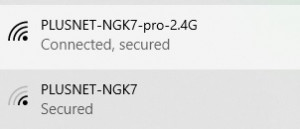
wifi-extender-signal
The final step is to connect to the WIFI Extender/Booster (wired or wireless) – which will be connecting to your wireless router seemlessly.
–EOF (The Ultimate Computing & Technology Blog) —
推荐阅读:为 WordPress 设置评论模块登录可见 仅允许游客浏览wordpress指定分类的文章 指定 wordpress 默认用户角色后台登陆权限 为 WordPress 主题添加大红灯笼特效 为 wordpress 文章作者在评论留言时显示“本文作者”提示 为 WordPress 主题添加花瓣飘落特效 wordpress插件:WP-China-Yes 切换WP站点与官方通信至国内节点解决后台更新429错误 一段代码轻松解决wordpress定时发布失败的问题 WordPress官网打不开 出现 429 Too Many Request 的原因 下载更新wordpress程序及插件的方法
- 评论列表
-
- 添加评论