Flashing the BIOS of HPZ800 Server to 3.61 Rev.A
- 时间:2020-09-07 12:13:31
- 分类:网络文摘
- 阅读:154 次
A few years ago, I flashed the BIOS of the HPZ800 server to 3.57 (Released at 2013).
The latest ROM/BIOS version for HPZ800 on the hp.com is 3.61 Rev released at Mar/6, 2018 – (HPZ800 Windows Workstation System BIOS).
However, if your system is Windows 10, you will need to manually select Win8 – which is compatible with Windows 10. Under Win 10, there are none software for HPZ800.
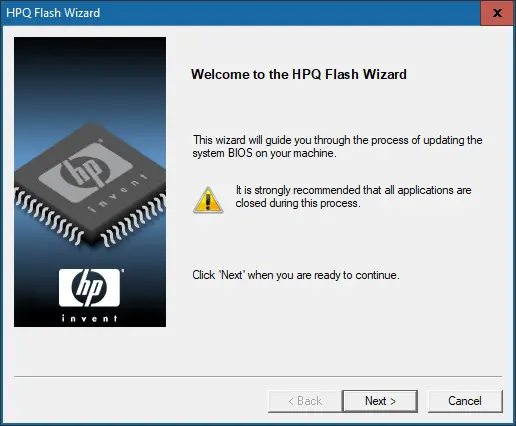
The BIOS can be easily flashed on Windows using the HPQ software.
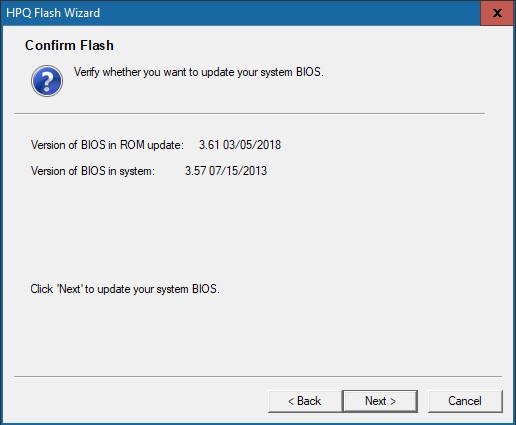
The software will first backup your existing BIOS, and then after finish flashing the BIOS, it will require a restart.
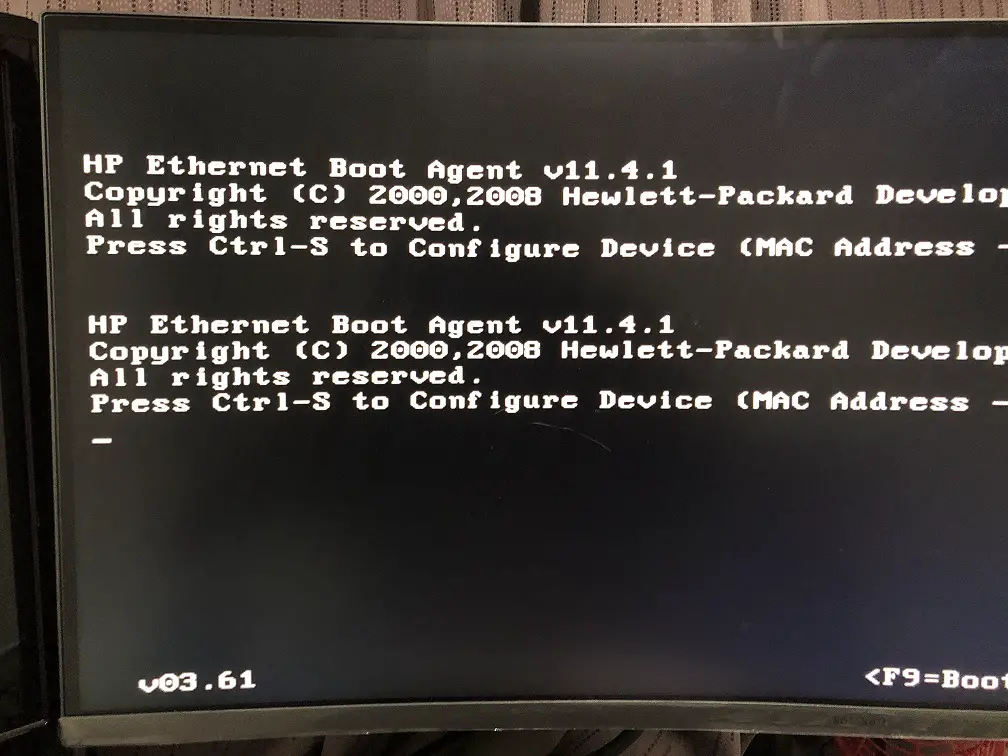
On boot, you will see the 3.61 Version Number of the BIOS.
–EOF (The Ultimate Computing & Technology Blog) —
推荐阅读:存在的理由作文100字 乡村改变了我 成人礼家长写给孩子的一封信 改作业作文200字 暖阳里的郊外(琴发表了日志) 关于新年的作文400字 生命辉煌作文750字 校园处处作文 被打屁屁的作文篇 包粽子作文750字
- 评论列表
-
- 添加评论